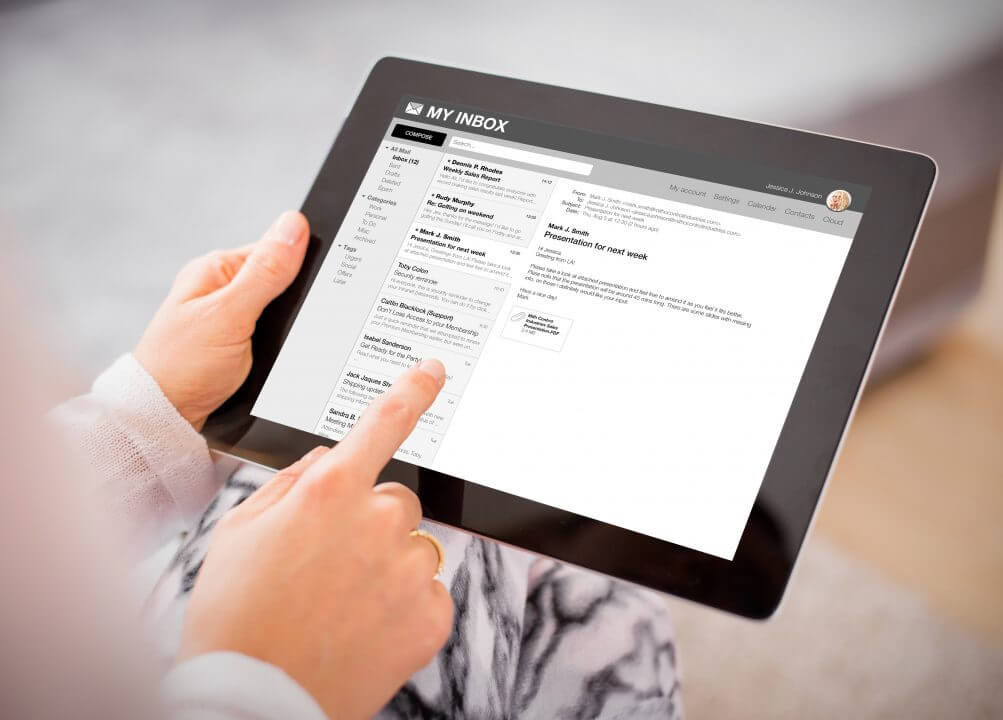

Backup Management Control Panel: Your Dashboard for Data Protection

/ Home Offsite Data Backup Backup Management Control Panel: Your Dashboard for Data Protection

Overview

Backups are only valuable if you can see them, manage them, and restore them easily. That’s why the Backup Management Control Panel is so important.

It’s your dashboard for data protection — a simple, user-friendly interface where you can check your backup status, configure rules, and restore files or entire systems with just a few clicks. Think of it as the control room of your safety vault.


Features (What It Is)

  • Centralized dashboard to view all backup activities.
  • One-click restore options for files, folders, databases, or full systems.
  • Configuration tools for backup rules, retention points, and schedules.
  • Status monitoring with logs and alerts for transparency.

Advantages (Why It Matters)

  • Visibility: Always know when your data was last backed up.
  • Control: Choose exactly what to restore and when.
  • Efficiency: Restore in minutes without needing technical support.
  • Peace of mind: Transparent logs confirm your data is protected.

Benefits (For You)

  • Confidence: You’re not left in the dark about your backups.
  • Speed: Recover quickly from accidents, errors, or cyberattacks.
  • Convenience: Manage backups without relying on IT expertise.
  • Professionalism: Customers and staff see your business as secure and reliable.

Results That Matter

  • Real-world example: A company accidentally deletes a product catalog. Using the control panel, they restore yesterday’s version within minutes — no downtime, no lost sales.
  • Industry fact: Businesses with self-service backup panels recover faster than those relying only on support tickets.
  • Customer psychology: Having control builds trust — knowing you can “press restore” anytime feels safer than waiting for help.

How Web Temple Gives You an Edge

Many providers hide backup tools behind complex support requests. At Web Temple, we give you direct access to a Backup Management Control Panel:

  • User-friendly design → No technical jargon — simple menus and actions.
  • Full control → Restore single files or entire systems at your choice.
  • Transparency → Logs and alerts show you backups are running.
  • Business-first clarity → We explain it as “your safety dashboard,” not just a feature.

Share On:

Related Posts