Overview
How to configure email on your iPad.
To configure your email account on the iPad, please kindly follow the guide below:

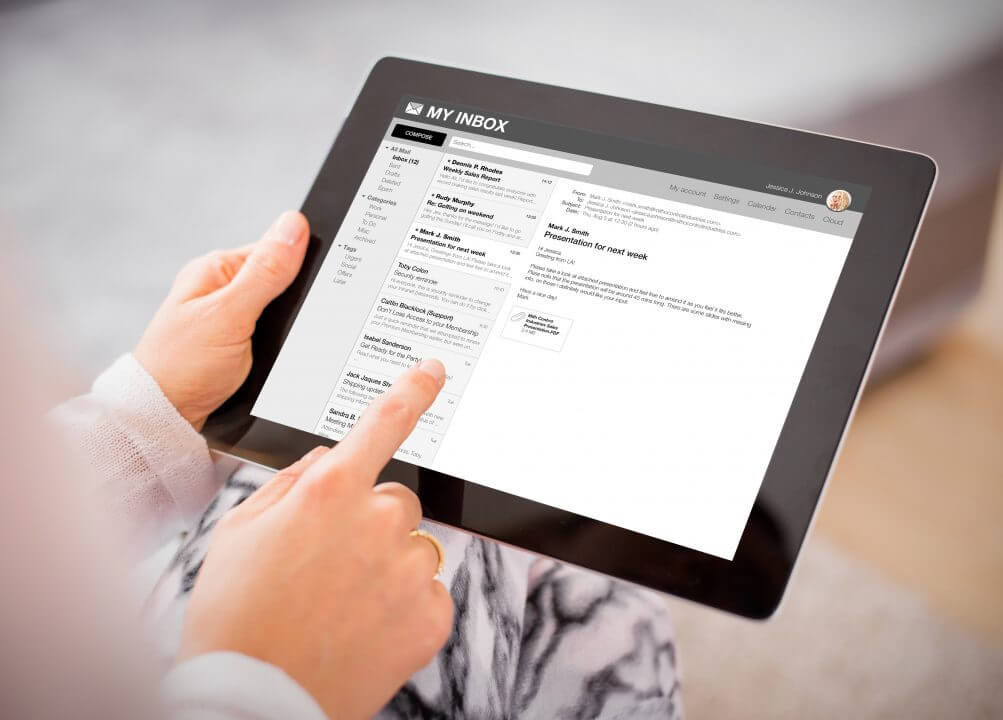
Jan 26, 2013
6 min read


How to configure email on your iPad.
To configure your email account on the iPad, please kindly follow the guide below:
1. Locate and tap the Settings icon on your iPad.
.jpg?v=1754558084537)
2. Tap the Mail, Contacts, Calendars on the left, then tap on Add Account.

3. Tap on Other.

4. Tap on Add Mail Account.

5. Please enter your email configuration information here. Should you need any assistance, please contact us via [email protected] or chat with our support personnel (when they’re online), please click here for Live Help.

5.1. All fields are recommended to be filled with information. Then tap Next.

6. You may choose either IMAP or POP as your option of preference.
IMAP stands for Internet Message Access Protocol. IMAP is used to receive emails and keep them stored on the server, so you can access the same inbox from multiple devices (e.g. phone, laptop, tablet).
POP is an email protocol used to download emails from the server to your device, and then usually deletes them from the server.
6.1 Both options (IMAP or POP) use the same email configuration similar to below. Both Incoming Mail Server (POP3) and Outgoing Mail Server (SMTP) Host Name will always be “mail.yourdomain.com” (“mail.” followed by your domain name, without the quote).
POP3 stands for Post Office Protocol version 3.
SMTP stands for Simple Mail Transfer Protocol.
6.2 Username will be your full email address while password will be the password. Then, tap Save to save the configuration.
6.3 Please Do Not use the default password given to you during the time of email account creation, unless otherwise instructed by your authorized in-house IT personnel.

7. Go to iPad’s Apple Mail to verify whether you have configured your account correctly. If yes, you should be seeing process as an example below.
7.1 Please kindly take note and ensure your iPad is connected to the Internet.

At the end of the tutorial, should you need further assistance or clarification, please contact us via [email protected] or chat with our support personnel (when they’re online), please click here for Live Help.
Share On:


1. Click and run Outlook 2007. 2. On top of Outlook 2007 main window, click Tools menu, then Account Settings.
11 September 2012
To configure your email account on the iPad, please kindly follow the guide
26 January 2013
To configure your email account on the iPhone, please kindly follow the guide.
26 January 2013