

Overview
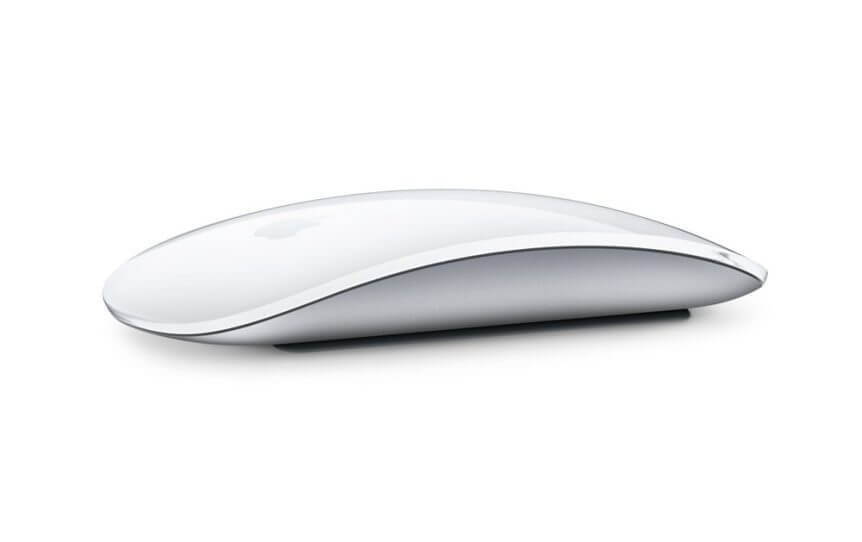
The connection between the Mac OS X and Bluetooth devices such as Magic Mouse or Bluetooth Keyboard is crashed and cannot be manually reconnected. Do the following:
Step-by-step:
- Starts the Terminal.
- Kill or end the Bluetooth service by: – sudo launchctl unload /System/Library/LaunchDaemons/com.apple.blued.plist.
- Then, start up the Bluetooth service again by: – sudo launched load /System/Library/LaunchDaemons/com.apple.blued.plist.
Now, the Magic Mouse connection can be reconnected manually.